

Turn Confluence into Salesforce Knowledge—Instantly
Create, manage, and publish knowledge from Confluence directly into Salesforce to power support, customer self-service, and collaboration.
Knowledge-Sharing Made Easy
zAgile’s Knowledge:Bridge allows you to use Atlassian Confluence and Salesforce Knowledge Editor to create, curate, and publish content.
Use the powerful editing features of Atlassian’s Confluence wiki to create product documents, FAQs, knowledge articles, and other content, and publish to Salesforce Knowledge for your internal and external communities.
Trusted across Salesforce and Atlassian ecosystems


- Trusted by global enterprises
- Seamlessly integrates Salesforce + Confluence
- No custom integration required
- Quick and easy installation and setup
Your Knowledge Is Scattered—and It’s Slowing Your Team Down
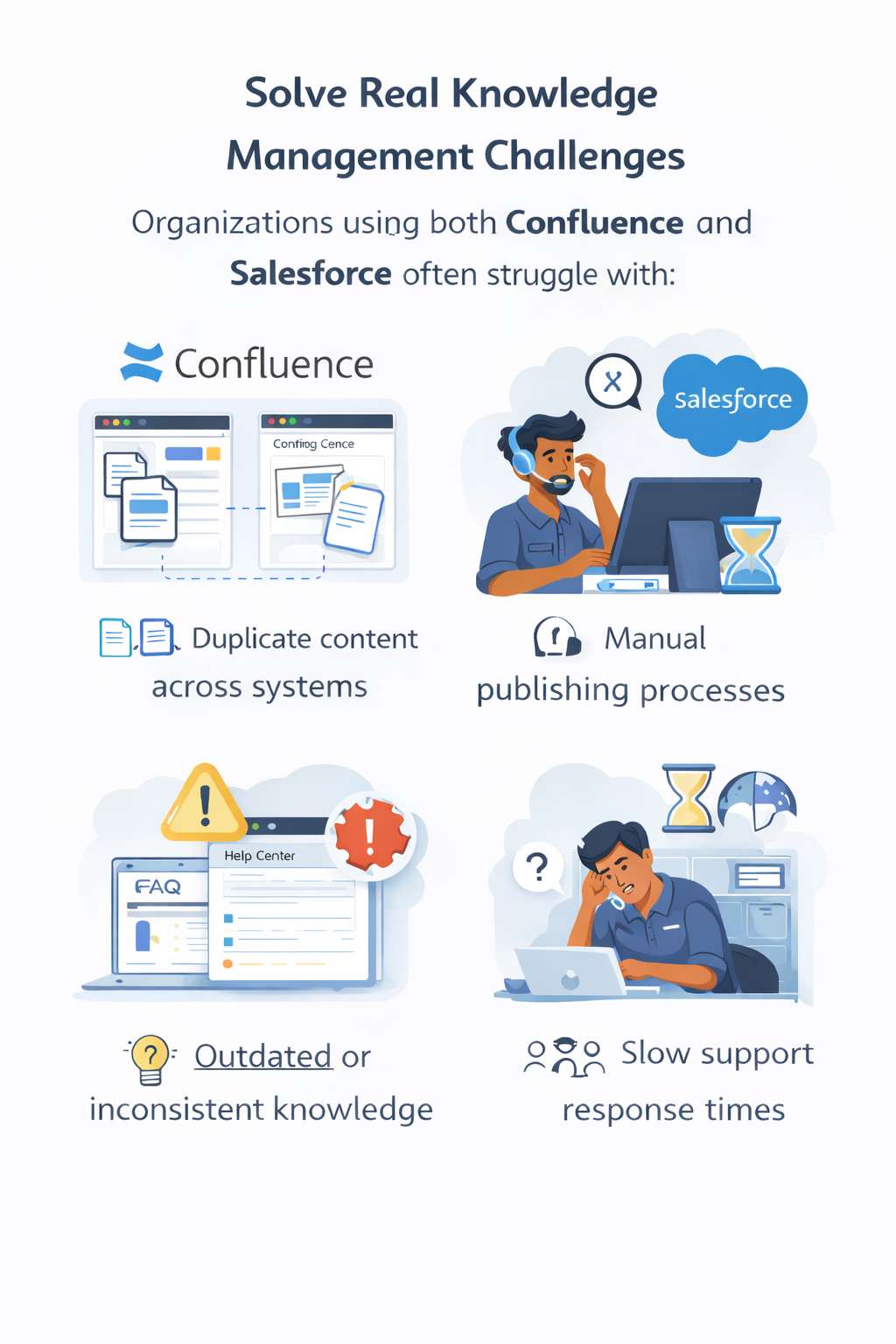
📄 Duplicate Content Across Systems
Teams recreate the same content in Confluence and Salesforce, leading to version mismatches and wasted effort.
🔄 Outdated and Inconsistent Knowledge
Without synchronization, knowledge quickly becomes outdated—causing agents and customers to rely on incorrect information.
⏳ Manual, Time-Consuming Publishing
Copying and formatting content into Salesforce Knowledge slows down publishing and delays critical updates.
🔍 Limited Visibility and Searchability
Knowledge spread across systems makes it harder for agents and customers to quickly find the right answers.
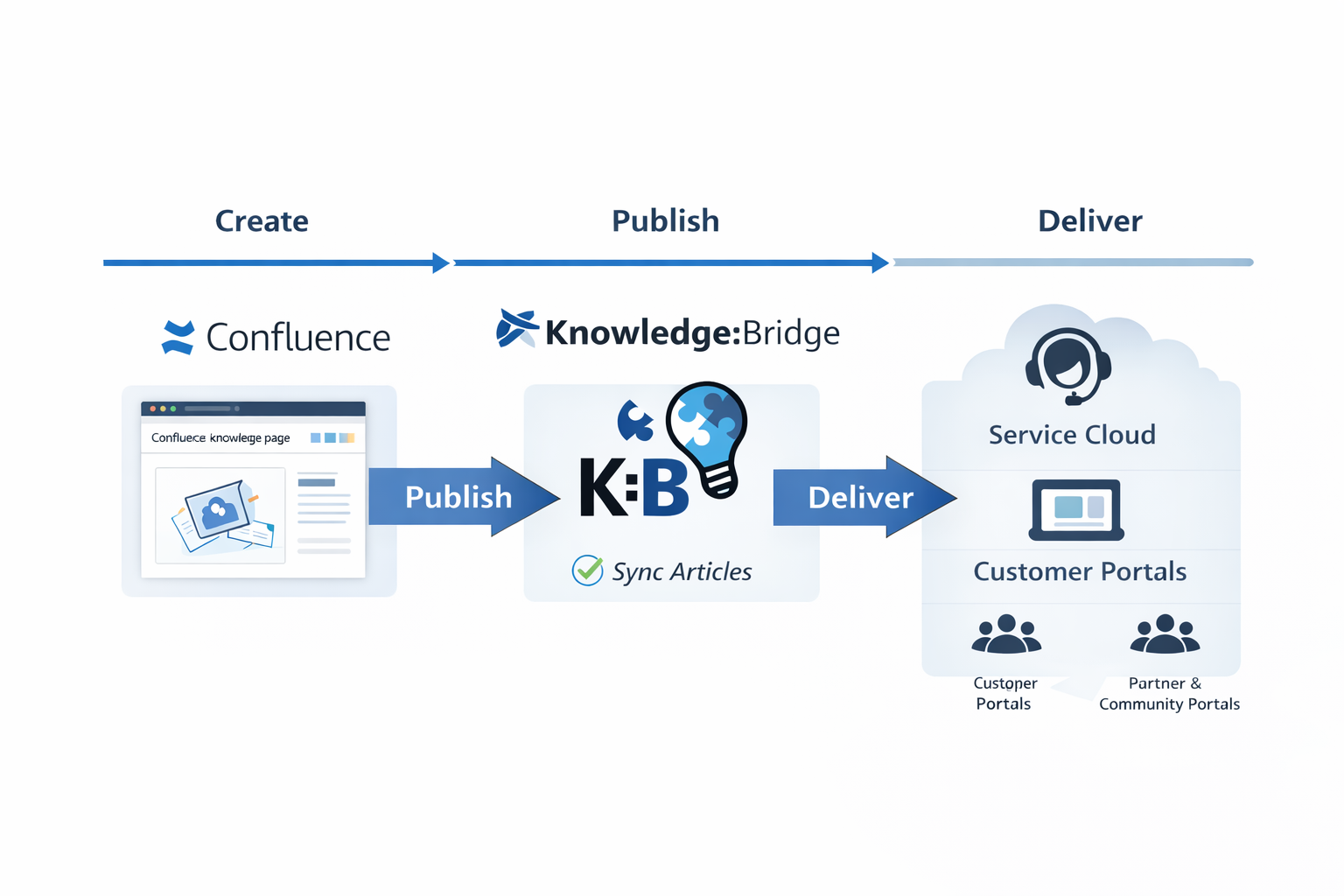
zAgile’s Knowledge:Bridge removes these bottlenecks by connecting your knowledge lifecycle end-to-end.
Knowledge:Bridge – Key Capabilities
🧩 Create & Curate in Confluence
Build and manage knowledge in a centralized, collaborative workspace.
🔁 Publish to Salesforce Knowledge
Convert Confluence pages into Salesforce Knowledge Articles instantly.
🌐 Self-Service & Support Delivery
Deliver knowledge to agents and customers across all channels.
🛡️ Workflow & Governance
Control approvals, permissions, and content lifecycle.
📦 Scale with Bulk Publishing
Publish entire spaces and manage knowledge at scale.
Knowledge-Sharing Made Easy
zAgile’s Knowledge:Bridge allows you to use Atlassian Confluence and Salesforce Knowledge Editor to create, curate, and publish content.
Use the powerful editing features of Atlassian’s Confluence wiki to create product documents, FAQs, knowledge articles, and other content, and publish to Salesforce Knowledge for your internal and external communities.
Improve Confluence and Salesforce Knowledge Editor Workflow
Product teams can easily post documentation and articles. Go-to-Market, Customer Success, and Support teams can receive curated content – each without leaving their respective application.
Business Challenges
- Cross-team product knowledge sharing to close deals and support customers
- Customer Service productivity
- Customer Satisfaction
Key Features
- Create, Curate, and Manage Salesforce Knowledge content in Confluence
- Integrate content with approval workflows
- Publish to Salesforce as individual or bulk pages
Benefits
- Leverage power of Wikis for creating and curating documentation and other knowledge content
- Publish to Salesforce Knowledge for access by Sales and Support teams
- Publish content to community portals for customer self-service