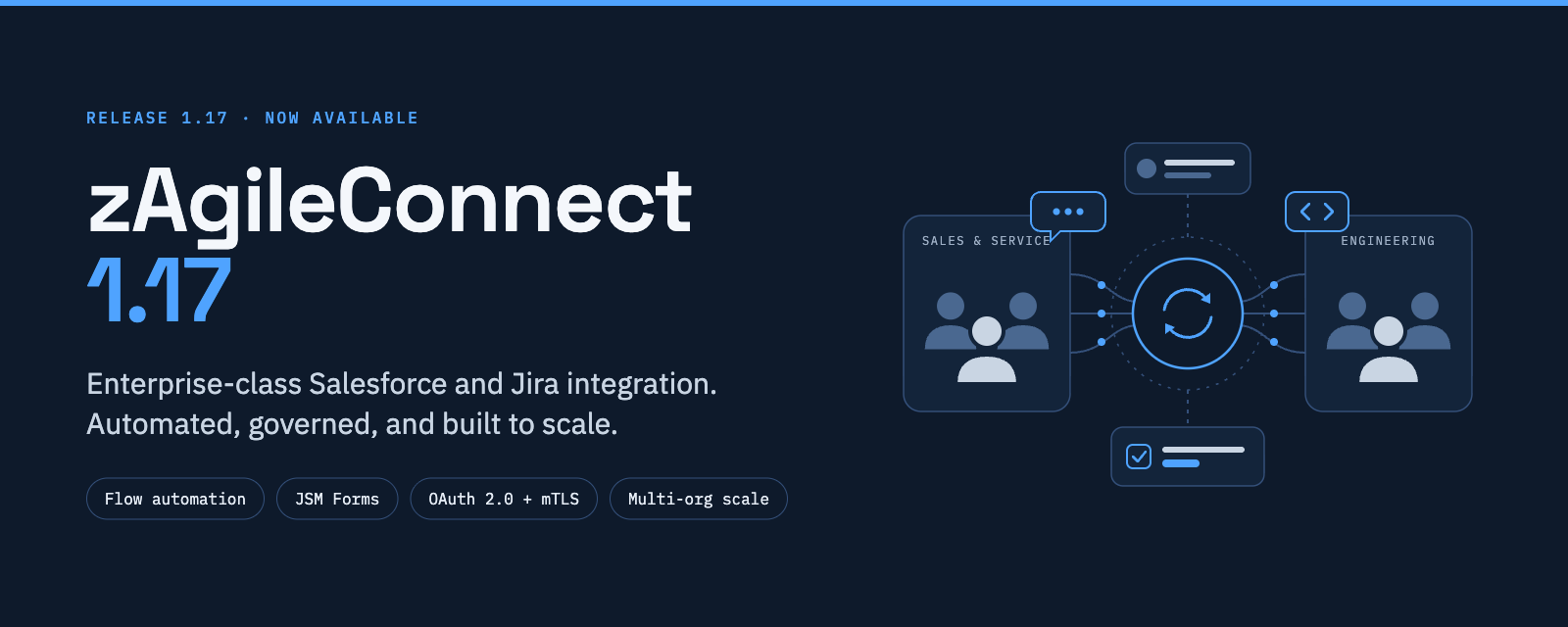
Salesforce + Jira integration, built for the enterprise. Introducing zAgileConnect 1.17.
Connecting Salesforce and Jira is easy to promise. Doing it securely, at scale, across complex org structures, and with automation your admins can own is harder. With zAgileConnect 1.17, we’ve raised the bar again.
Automation without code. A full set of new Salesforce Flow Actions now covers the entire Jira issue lifecycle: create, update, link, unlink, delete, transition (by status or transition name), add comments, send attachments, and retrieve live issue data. Admins can also build their own create and update screens from ready-made Flow Screen Components, and embed our Related Jira Issues, Search, and Activity components directly in Flows. It is also possible to implement fields/sections dependency, pre-populate Issue fields with AI generated content by using our Flow Screen Components. You decide how work moves between Sales, Service, and Engineering.
Similarly, Flow Actions bundled with the latest release of zAgileConnect can also be incorporated into Agentforce Actions. So, besides being able to work with Jira data stored in Salesforce, AI Agents can also link, create issues, etc.
Jira Service Management, natively. Agents can now complete JSM Forms tied to Request Types directly from Salesforce, including paragraph questions and typed fields like email and URL. Support teams can escalate with full context and never leave the case.
Security that matters to enterprises. Version 1.17 adds OAuth 2.0 and mTLS authentication via Salesforce Named Credentials, custom Jira API scopes, Salesforce External Client App support, and refresh token rotation. So, for example, when multiple groups of separate users work in Salesforce they can also use separate integration users for Jira access (restricted access). Jira’s “Browse Issues” permission is enforced when users link issues, and custom permissions control who can send comments and attachments.
Built for scale and complexity. zAgileConnect supports simultaneous integrations between multiple Salesforce orgs and multiple Jira instances that can be a mix of Jira Cloud and Jira Data Center.
Operational resilience. When something goes wrong, admins know why. Error notifications now include Atlassian’s response details for rate-limit (429) and service-unavailable (503) events, sync-error emails list the affected Case IDs, and teams can refresh only the records that failed to sync.
This is what enterprise-class integration looks like: deep, governed, automatable, and ready for the world’s most demanding Salesforce and Atlassian environments. That’s why leading organizations trust zAgile to connect their customer-facing and engineering teams.
See what’s new: zAgileConnect 1.17 | zAgile Docs
#Salesforce #Jira #Atlassian #JiraServiceManagement #EnterpriseIntegration #CustomerSuccess #zAgile #agentforce