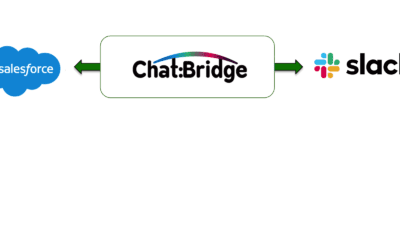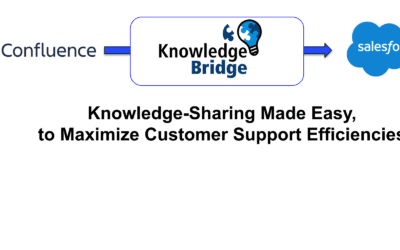
Customer Support often relies on Slack for urgent communications with Engineering, Product Management, and other teams. But records of those communications are locked in a Slack silo which negatively affects Customer Support team effectiveness.
Improve Team Effectiveness
With zAgile Chat:Bridge for Slack and Salesforce integration, Customer Support teams can communicate more quickly and effectively with other teams. Importantly, management can easily monitor Customer Support Team effectiveness by tracking Slack communications just like they already do with email and notes.
Webinar: Monitor Customer Support Effectiveness
Key Takeaways
- Query customer-related information that’s within Salesforce. For example, How’s the account doing in terms of customer complaint or case milestone status
- How’s the Support team doing? For example, general support reports e.g., open cases by priority, open cases by rep
- Initiate conversations. For example, to Case, Account, or User in Salesforce
For more information on how zAgile Chat:Bridge can help monitor customer support team effectiveness and improve cross-team collaboration, visit our Chat:Bridge product page.